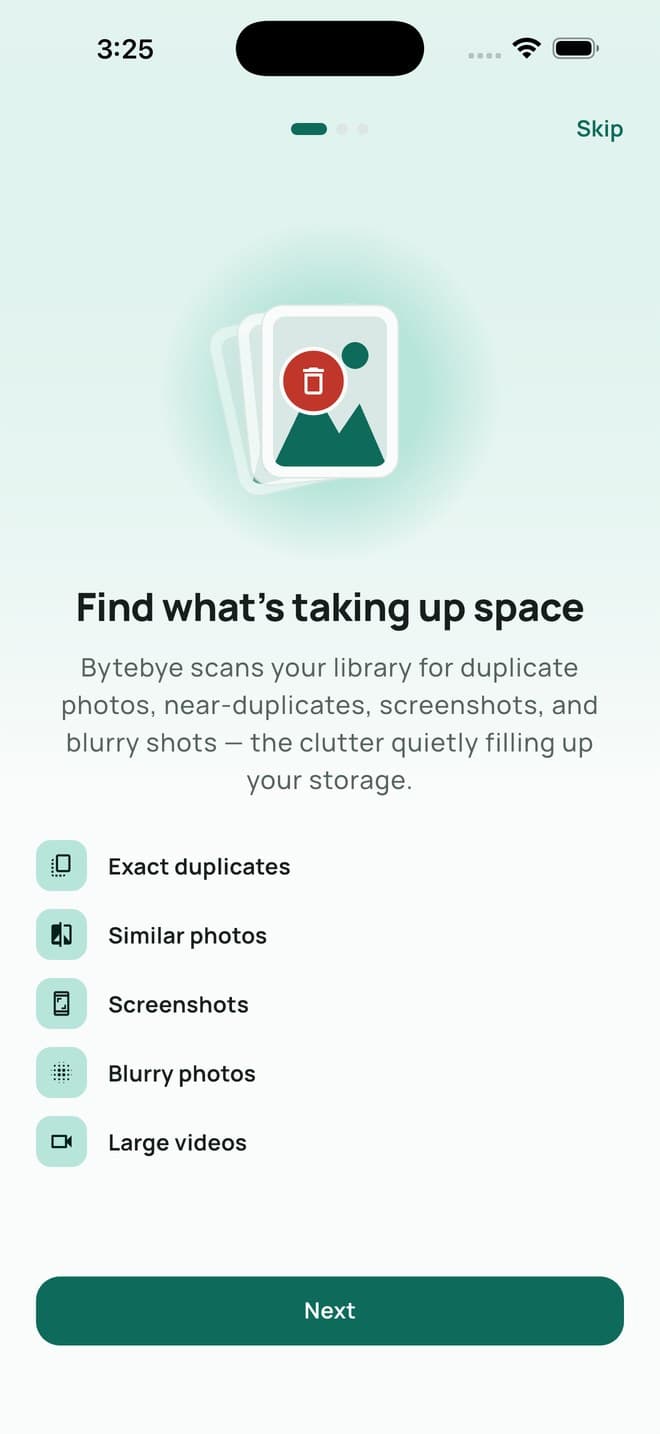
Exact duplicates
The same photo saved more than once — shared back to you, re-downloaded, or copied between albums.
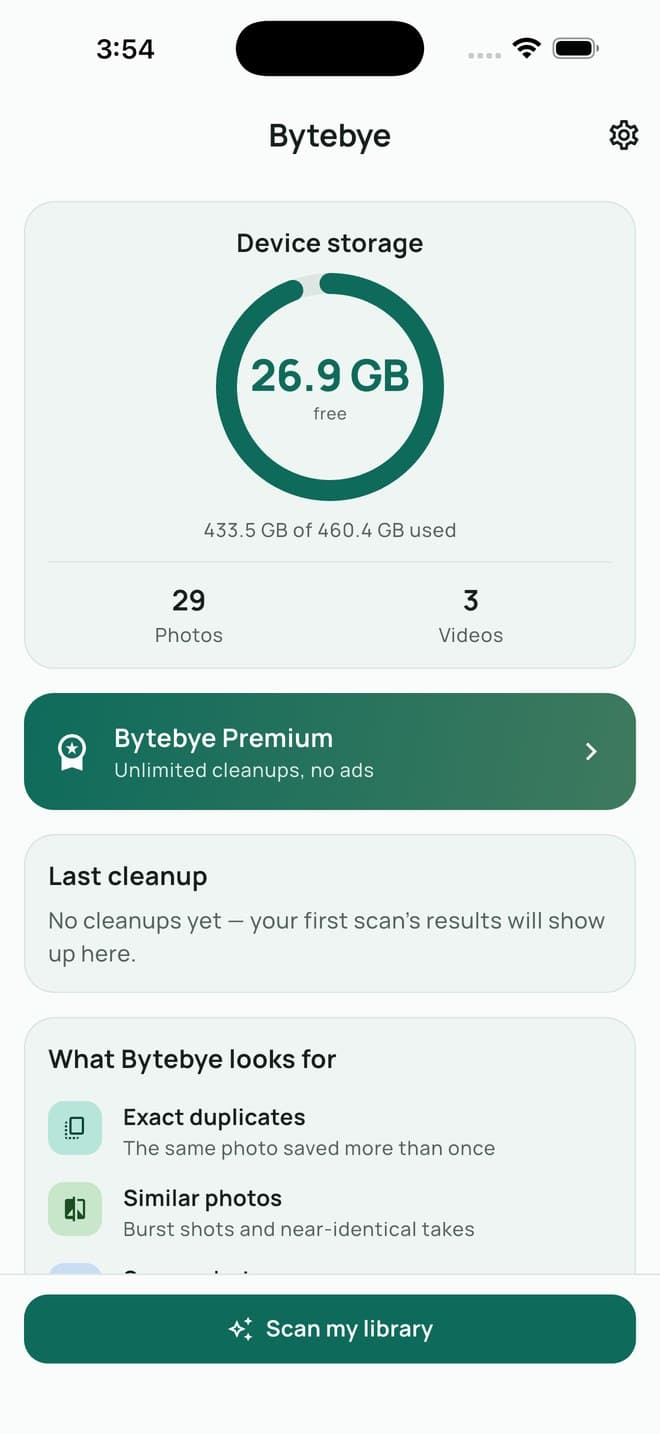
Bytebye finds the duplicates, similar shots, screenshots, blurry photos and oversized videos quietly eating your storage — and shows you exactly how much space you would get back before you pay anything.
What it finds
Every scan runs on your phone and looks for the same seven things.
The same photo saved more than once — shared back to you, re-downloaded, or copied between albums.
Burst shots and near-identical takes where you only ever needed one.
The receipts, maps and chat captures you screenshotted once and never opened again.
Out-of-focus and shaky shots, found by measuring how sharp the image actually is.
Recordings you made once to show someone something, still taking up space long after.
The same moment filmed twice or more, with near-identical frames and length.
Videos over 100 MB, listed biggest first, so one decision frees real space.
Month by month
Pick any month of your library and swipe through it: left to delete, right to keep. Undo is one tap away, and a long press opens any photo full screen or plays any video.
Safe by design
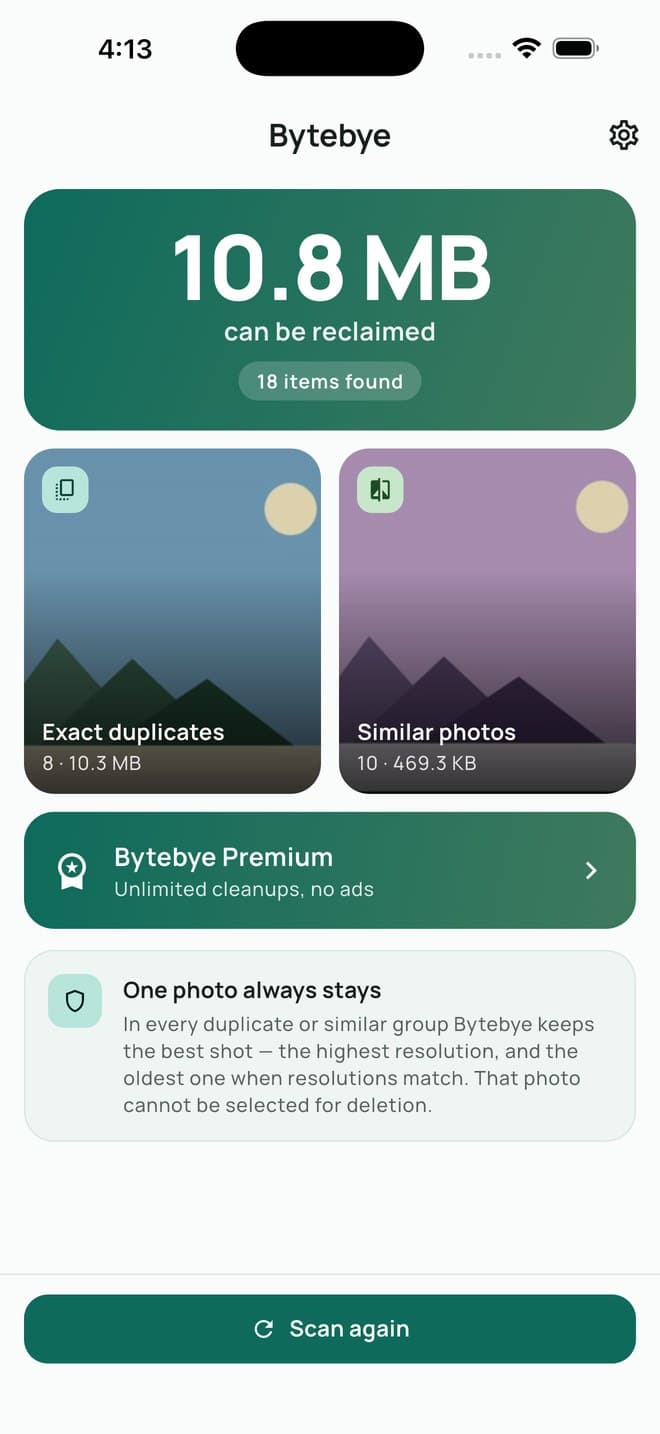
In every duplicate or similar group Bytebye keeps one shot: a photo you marked as a Favorite, otherwise the sharpest one, then the highest resolution, then the oldest. That photo cannot be selected for deletion, and you can hand the role to another shot whenever you disagree. Deleted items go to Recently Deleted, where your phone keeps them for 30 days.
Privacy
The scan runs entirely on your device. Your photos are read, fingerprinted and forgotten; they are never sent anywhere.
No sign-up, no email, no profile. Open the app and scan.
The free version shows ads through Google AdMob, which receives the device data ads need, and your advertising identifier only if you allow tracking. Premium has no ads and no ad data.
Pricing
You see the full result and exactly how much space you can reclaim before deciding anything. No blurred numbers, no unlock-to-see.
Two options only: pay once, or pay yearly. Weekly subscriptions are how this category earns its reputation, and Bytebye does not sell one.
If a plan has an introductory price, the screen says in plain words what you pay now and what you pay later.
FAQ
Scanning is free and shows the full result. The free version deletes up to 50 items a day and shows an ad after a cleanup. Premium removes the limit and the ads, as a one-time purchase or a yearly plan, priced in your local currency on the App Store.
No. There is no server and no account. Each photo is read on your iPhone, reduced to a small fingerprint for comparison, and neither the photo nor its fingerprint is sent anywhere.
It computes a small visual fingerprint for every photo on the device and compares them. Matching fingerprints with the same resolution become exact duplicates; close ones taken around the same time become similar photos.
No. Every group keeps one photo that cannot be selected — a Favorite if there is one, otherwise the sharpest shot. You can move that role to another photo, and Favorites are never suggested in the screenshot, blurry or video lists.
They go to the Recently Deleted album in Photos, where iOS keeps them for 30 days. You can recover them there, or empty the album to free the space right away.
No. Bytebye sells only a one-time purchase and a yearly plan. A yearly plan can be cancelled any time in your Apple account settings.
iPhone and iPad running iOS 15 or later.